

Picsart Photo Editing Best Photo Editing Android App
Hey guys welcome to our new article name of Picsart Photo Editing Best Photo Editing Android App, So In today’s fast-paced digital world, Picsart photo editing has become synonymous with creativity and freedom in visual storytelling. Whether you’re a casual smartphone photographer or a passionate social media creator, the Picsart Android app offers one of the most powerful and versatile toolkits right at your fingertips. From basic photo corrections to advanced artistic effects, Picsart empowers users to transform ordinary photos into extraordinary works of art. Let’s dive deep into the incredible universe of Picsart and explore its features, tools, and why it remains a favorite choice for millions worldwide.
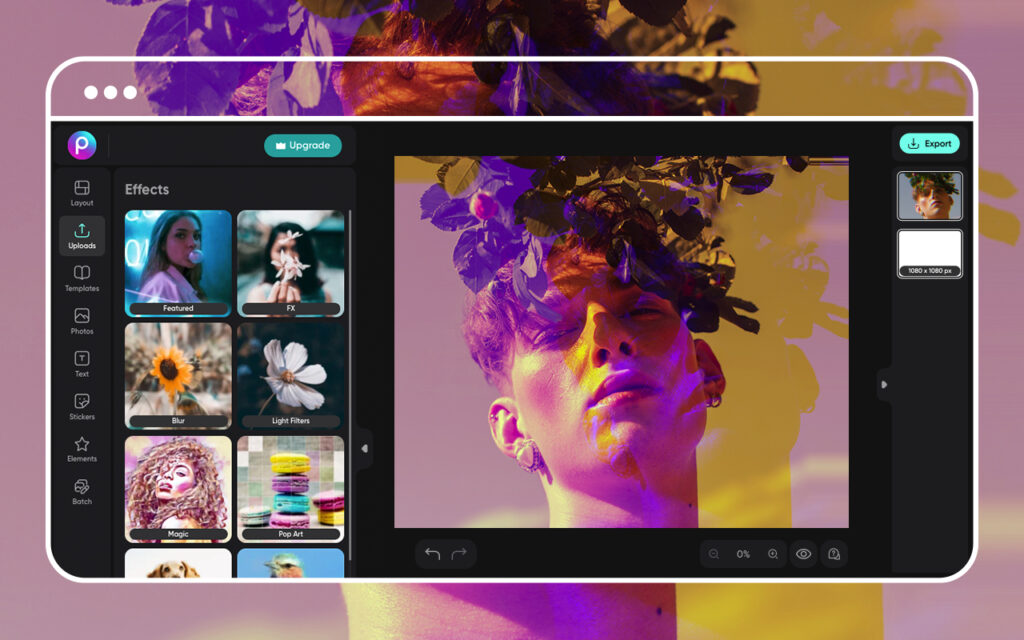
Picsart Photo Editing Best Photo Editing Android App Is Populer
So picsart app is very populer and usefull android app for editing and creative works, One of the biggest advantages of Picsart photo editing is its seamless availability on Android devices no matter how type device on you have just we can say that picsart is photoshop for android user. The app is lightweight, fast, and regularly updated to include new features and improvements.
Android users love Picsart for several reasons, when you open picsart app you can see userfreindly interface dont need to hard work for search any tools so biggest point this, The app boasts an intuitive design that makes complex editing accessible even for beginners. So if you have any type of work related of editing picsart is all in one solution app, From filters to stickers, collage-making to AI-powered tools, everything you need is bundled in one app.
So mostly tools are free in picsart photo editing just some tools are in premium version if want to this premium feture so you can buy it but Many tools are free, while Picsart Gold unlocks exclusive features and content for professionals and enthusiasts. Are you using picsart app so The Picsart team constantly adds trendy features, ensuring users stay ahead in the creative game, it means you can get all type trending tools and you can use it for trending picsart photo editing.
It’s no wonder Picsart photo editing has become a go-to app for influencers, photographers, businesses, and anyone eager to spice up their photos with minimal effort.
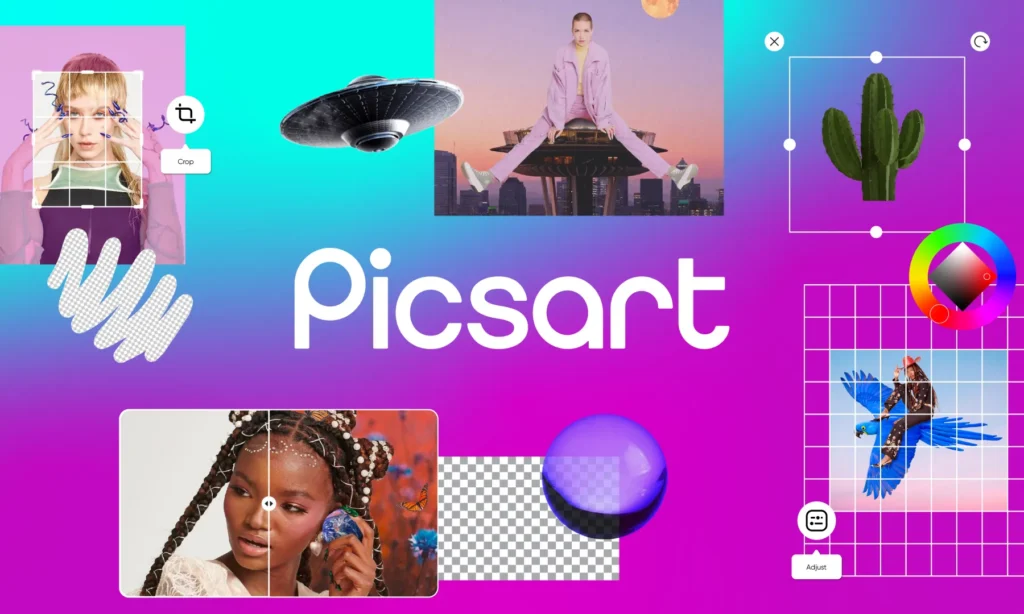
Photo Adjustments
The core of any photo editing app lies in its adjustment tools, and Picsart delivers brilliantly. Users can fine-tune their photos with:
-
Brightness & Contrast: Bring out hidden details and improve lighting balance.
-
Saturation & Vibrance: Add punchy colors or keep things soft and subtle.
-
Shadows & Highlights: Recover details lost in dark or bright areas.
-
Temperature & Tint: Correct color casts for a natural or artistic look.
-
Clarity & Sharpening: Enhance image crispness for professional results.
These tools make Picsart photo editing perfect for both subtle corrections and dramatic transformations.
Filters and Effects:
Picsart is renowned for its incredible range of filters and artistic effects. Whether you want vintage vibes or futuristic aesthetics, you’ll find countless options under:
-
FX Effects: Add cinematic moods, light leaks, or glitch effects.
-
Magic Effects: Turn photos into digital paintings, sketches, or artistic renderings with AI-driven styles.
-
Color Splash: Highlight specific colors while converting the rest of the image to black and white.
-
Blur Effects: Create depth-of-field illusions with background blurs or motion effects.
Such variety ensures that Picsart photo editing helps users express their unique creative vision effortlessly.
Cutout Tool and Background Removal:
One standout feature in the Picsart Android app is the AI-powered Cutout Tool. This tool allows you to:
-
Automatically Detect Subjects: The app identifies people, objects, or animals and creates a precise cutout.
-
Manual Selection: For intricate editing, users can manually refine edges for perfection.
-
Background Replacement: Swap dull backgrounds with stunning landscapes, abstract textures, or custom designs.
Background removal and replacement have become essential for social media posts, product photography, and creative compositions, making Picsart photo editing incredibly versatile.
Stickers and Clipart:
Picsart’s massive library of stickers and clipart is a creative treasure trove. Users can:
-
Search Thousands of Stickers: Find emojis, decorative elements, doodles, and themed stickers for any occasion.
-
Create Custom Stickers: Make your own stickers from images with transparent backgrounds.
-
Community Contributions: Explore stickers created by other Picsart users for endless inspiration.
Adding stickers is one of the simplest yet most fun parts of Picsart photo editing, helping turn plain photos into vibrant, share-worthy creations.
Collage Maker
No discussion of Picsart photo editing is complete without mentioning its robust collage maker. Features include:
-
Grid Layouts: Choose from dozens of grid templates to neatly arrange multiple photos.
-
Freestyle Collage: Arrange images, stickers, and text freely on a blank canvas.
-
Backgrounds and Frames: Add creative backgrounds and borders for aesthetic appeal.
Whether for family memories, travel photos, or social media content, Picsart’s collage maker on Android makes storytelling visually engaging.
Conclusion:
In a world obsessed with visuals, Picsart photo editing stands out as a brilliant, all-in-one creative powerhouse for Android users. Its incredible array of tools—from basic adjustments to AI-powered effects—makes it possible to produce professional-grade edits without expensive software or steep learning curves. Whether you’re beautifying selfies, designing social media content, or experimenting with artistic effects, the Picsart Android app offers a vibrant canvas for every creative vision.
If you haven’t explored Picsart photo editing yet, download the app today and unlock endless creative possibilities right in your pocket. Your next viral masterpiece might be just a few taps away!

