
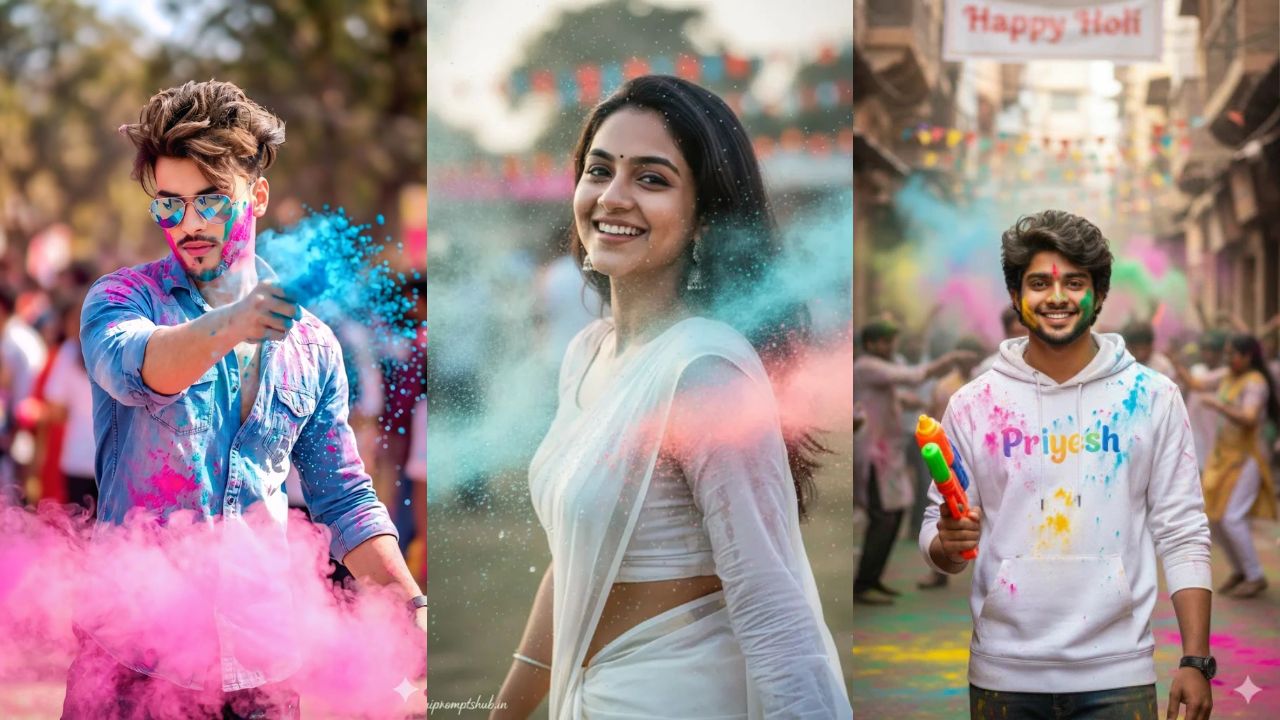
Top 100 Viral Gemini Ai Holi Photo Editing For HD Portraits You Must Try
Why Gemini Ai Holi Photo Editing Is Trending in 2026
Holi is not just a festival, it is pure emotion. It is about colors, laughter, friends, family and those crazy moments that we never want to forget. In 2026, people are not only celebrating Holi on streets but also on social media. That is why Gemini Ai Holi Photo Editing is becoming very popular. Everyone wants a colorful, vibrant and professional looking Holi portrait for Instagram, WhatsApp DP and reels. Instead of posting a simple selfie, people now want DSLR-style HD portraits with flying gulal and cinematic lighting.
Gemini makes this possible in a very simple way. You just upload your normal photo, paste a well-written Holi AI Photo Editing prompt and within seconds your image looks like a professional festival photoshoot. This is the main reason why so many users are searching for Gemini ai holi photo editing online free before Holi festival.
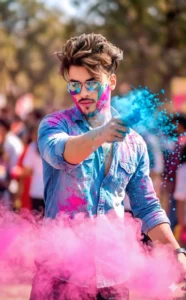
Dynamic Holi shot of a young man in a light blue denim shirt with sleeves rolled up, splattered with bright pink and cyan powder.Reflective sunglasses, messy styled hair. He’s turning slightly to the side while tossing blue gulal forward.Thick pink smoke cloud around waist level. Bright daylight, soft blurred background, high-speed capture of flying particles shallow depth of field, 50mm lens, crisp detail, vibrant color grading.
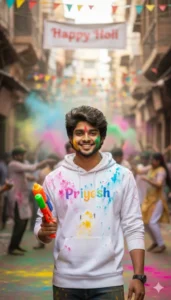
Use the uploaded photo as the PRIMARY and ONLY face reference.
The face must match 100% exactly — same identity, facial structure, skin tone, eyes, nose, lips, hair, beard (if any), and expression.
Do NOT change the face.
NO anime, NO cartoon, NO illustration style. Face must look fully realistic and photographic.
Create a realistic Indian Holi street celebration scene.
A young Indian man standing confidently in the center of a busy traditional Indian street during Holi.
Outfit & Pose:
– Wearing a white hoodie with colorful Holi powder splashes
– Custom name text “Priyesh” printed on the hoodie (editable)
– Holding a colorful pichkari (water gun) naturally
– Friendly smile, relaxed and confident pose
Holi Environment:
– People celebrating Holi in the background
– Streets filled with gulal colors and festive decorations
– Colorful flags and a banner above saying “Happy Holi”
– Old Indian market / heritage street vibe
– Soft crowd in background (slight blur)
Photography & Quality:
– DSLR camera realism
– Cinematic natural daylight
– Ultra-realistic skin texture
– Sharp focus on face
– Shallow depth of field
– High dynamic range
– 4K ultra-HD output
Mood:
– Joyful
– Festive
– Warm
– Authentic Indian Holi celebration
Final image must look like a REAL professional photograph, not AI generated.
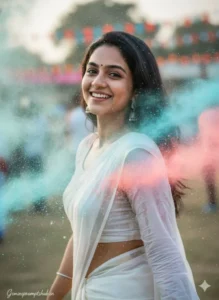
8K ultra HD cinematic portrait of a beautiful Indian woman celebrating Holi festival, wearing a simple elegant white saree with matching blouse, soft natural makeup, small black bindi, silver jhumka earrings, long straight dark hair flowing naturally. She is smiling warmly at the camera, joyful expression, candid moment. Colorful Holi powder (blue and pink) floating in the air around her, soft particles visible, vibrant festive atmosphere. Background slightly blurred with shallow depth of field, natural outdoor setting with festive flags and crowd in bokeh. Golden hour lighting, soft sunlight on face, realistic skin texture, high detail, DSLR photography, 85mm lens, f/1.8 aperture, professional color grading, dreamy cinematic look, natural tones, sharp focus on face, ultra realistic.
How Gemini Ai Holi Photo Editing Actually Works
Many people think editing is very complicated, but it is not. In Gemini Ai Holi Photo Editing, everything depends on your prompt. A prompt is simply a clear instruction about what you want in your photo. For example, you can write that you want colorful gulal on your face, white kurta outfit, natural skin texture, bright sunlight and cinematic depth.
When you describe things clearly, Gemini understands lighting, background, color intensity and facial details properly. The most important thing is face accuracy. With a good Holi ai photo editing prompt online, your real face remains natural and original. It does not change your identity, it only enhances the festive look.
Step-by-Step Guide to Create Holi HD Portrait
First, choose a clear and well-lit photo. Your face should be visible properly. Avoid blurry or dark images.
Second, open your AI image editor with prompt text and upload your photo.
Third, paste a strong Gemini Ai Holi Photo Editing prompt. Mention details like colorful powder splash, natural skin tone, realistic gulal texture, cinematic lighting and HD resolution.
Fourth, generate the image. If you feel colors are too strong or too light, adjust the words like “soft color intensity” or “balanced exposure” and regenerate.
That’s it. Within minutes you will have a professional Holi portrait.
Best Prompt Ideas for Gemini Ai Holi Photo Editing
Here are some simple and effective prompt ideas you can try. These work as ai photo editing prompt free and are beginner friendly.
Create a realistic Holi portrait of a young man wearing white kurta, colorful gulal powder on face, natural skin texture preserved, vibrant festival background, cinematic lighting, DSLR quality, ultra HD clarity.
Transform this image into a joyful Holi celebration scene with flying colors in the air, soft sunlight, realistic skin tones, detailed powder texture, professional photography style.
Generate a soft aesthetic Holi portrait with pastel gulal shades, shallow depth of field, balanced brightness, natural facial features and 4K resolution.
These prompts can be adjusted for boys and girls. You can also try Prompt for Gemini AI boy Indian style with traditional outfit or Prompt for Gemini boy attitude with bold expression and dramatic color splash.
Why Holi AI Photo Editing Is Going Viral on Instagram
Today profile picture and reels thumbnails matter a lot. When someone visits your profile, the first thing they notice is your display photo. If you use a simple old-style picture, it may not attract attention. But when you use Gemini Ai Holi Photo Editing to create a vibrant and cinematic Holi portrait, it instantly stands out.
That is why Instagram viral prompt searches increase before Holi. Bright colors, realistic effects and HD clarity grab attention quickly. A good Holi portrait can increase profile visits and engagement naturally.
Tips to Get Professional Results
Always keep your base image natural. Do not apply heavy filters before uploading.
Describe lighting clearly in your prompt. Words like soft sunlight, natural shadows, high dynamic range and realistic powder texture improve output quality.
Do not overload your prompt with too many effects. Keep it simple and clear.
Experiment with different styles like hd cinematic gemini prompt or aesthetic Holi theme. Small word changes can give completely different results.
Creative Holi Styles You Must Try
You can try royal Holi theme with golden sunlight and traditional background.
You can try modern rooftop Holi party vibe with friends and color smoke in background.
You can create slow motion color splash look with dramatic lighting and sharp facial details.
You can also try soft romantic Holi theme with pastel colors and warm tones.
All these styles are possible with Gemini Ai Holi Photo Editing just by changing your prompt description slightly.
Final Words
Holi 2026 is the perfect time to create something different and memorable. Instead of uploading normal photos, upgrade them with Gemini Ai Holi Photo Editing and give your portraits a professional festive touch. With the right Holi AI Photo Editing prompt, you can preserve your natural face, add vibrant colors and create HD festival portraits in just minutes.
Just choose a good photo, paste a strong prompt and experiment with creativity. This Holi, let your photos reflect real joy, real colors and real celebration in the most beautiful way possible.

